Surf print shop
mood board
References for a new website that shows and sells surf and travel prints. Clean, warm white, lots of space. The photos do the talking, the motion makes browsing a pleasure, and the buying page stays calm.
The look
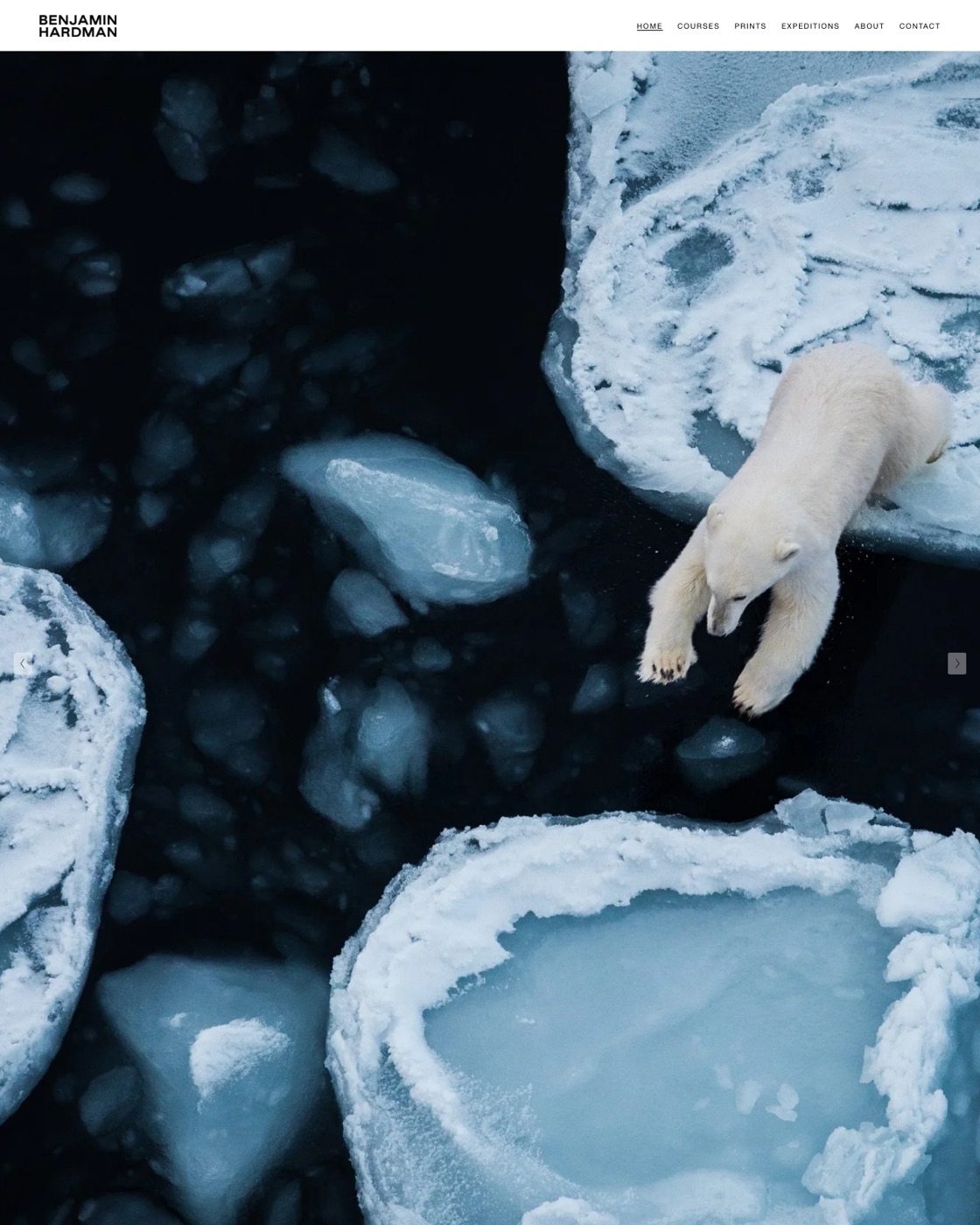
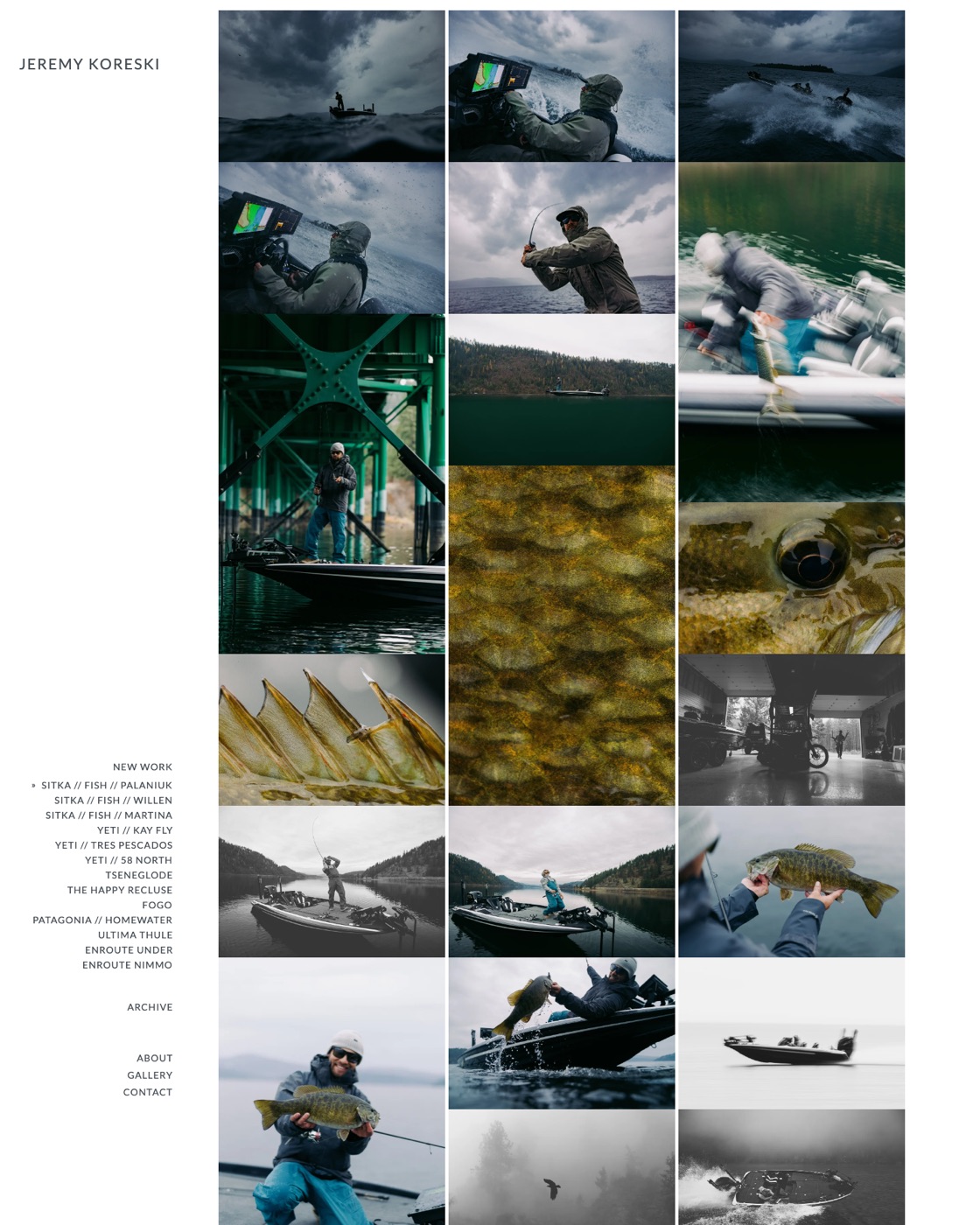
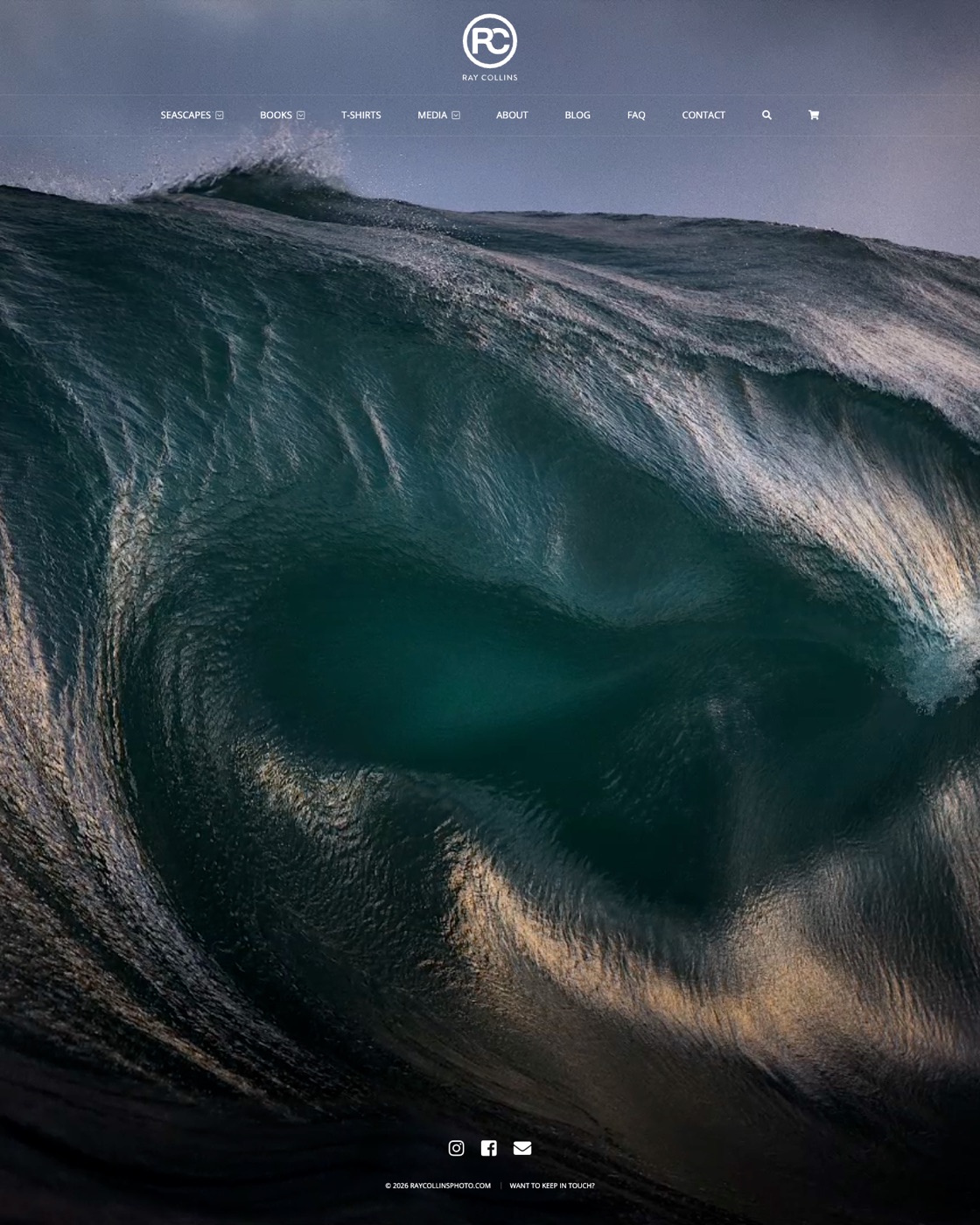
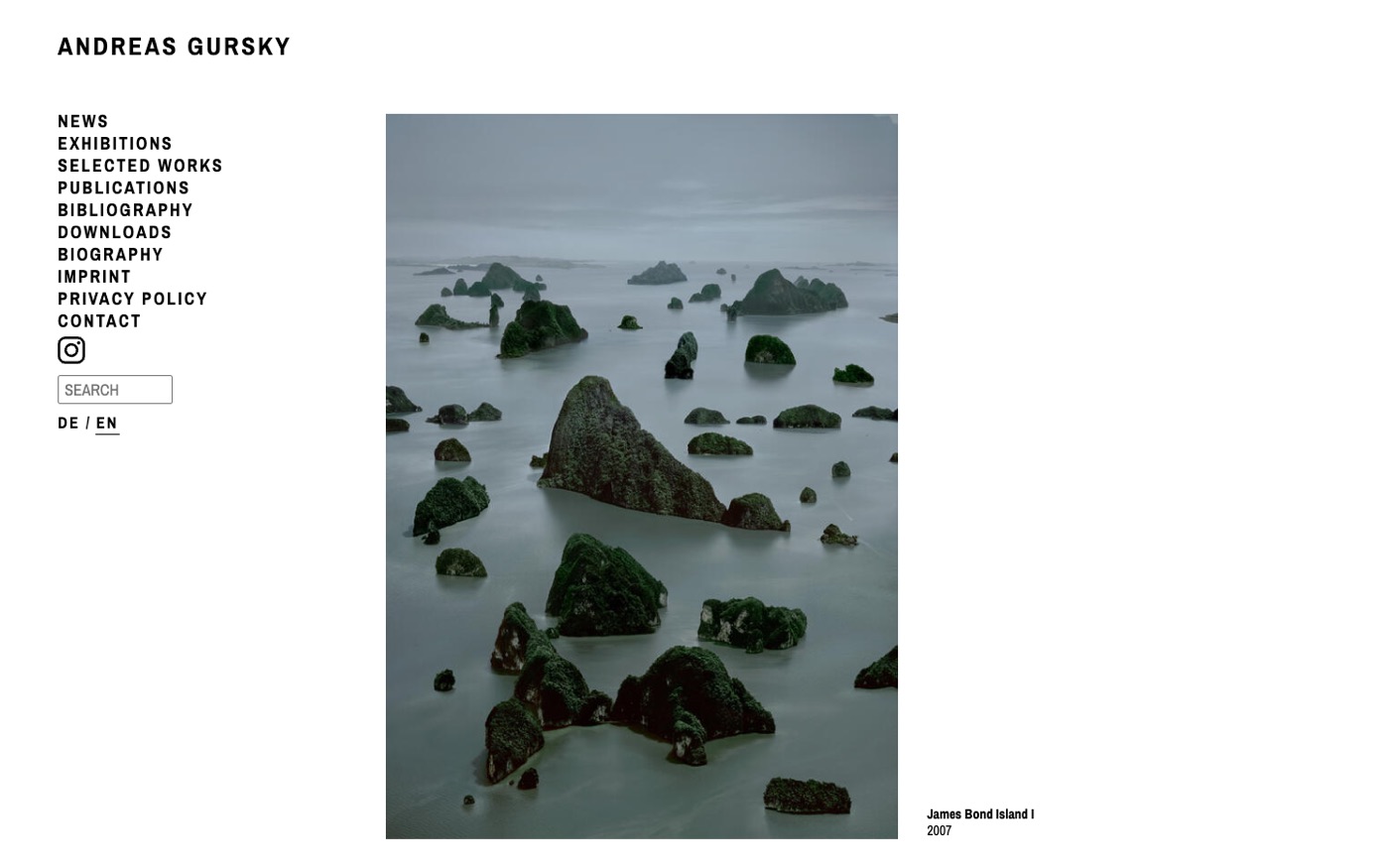
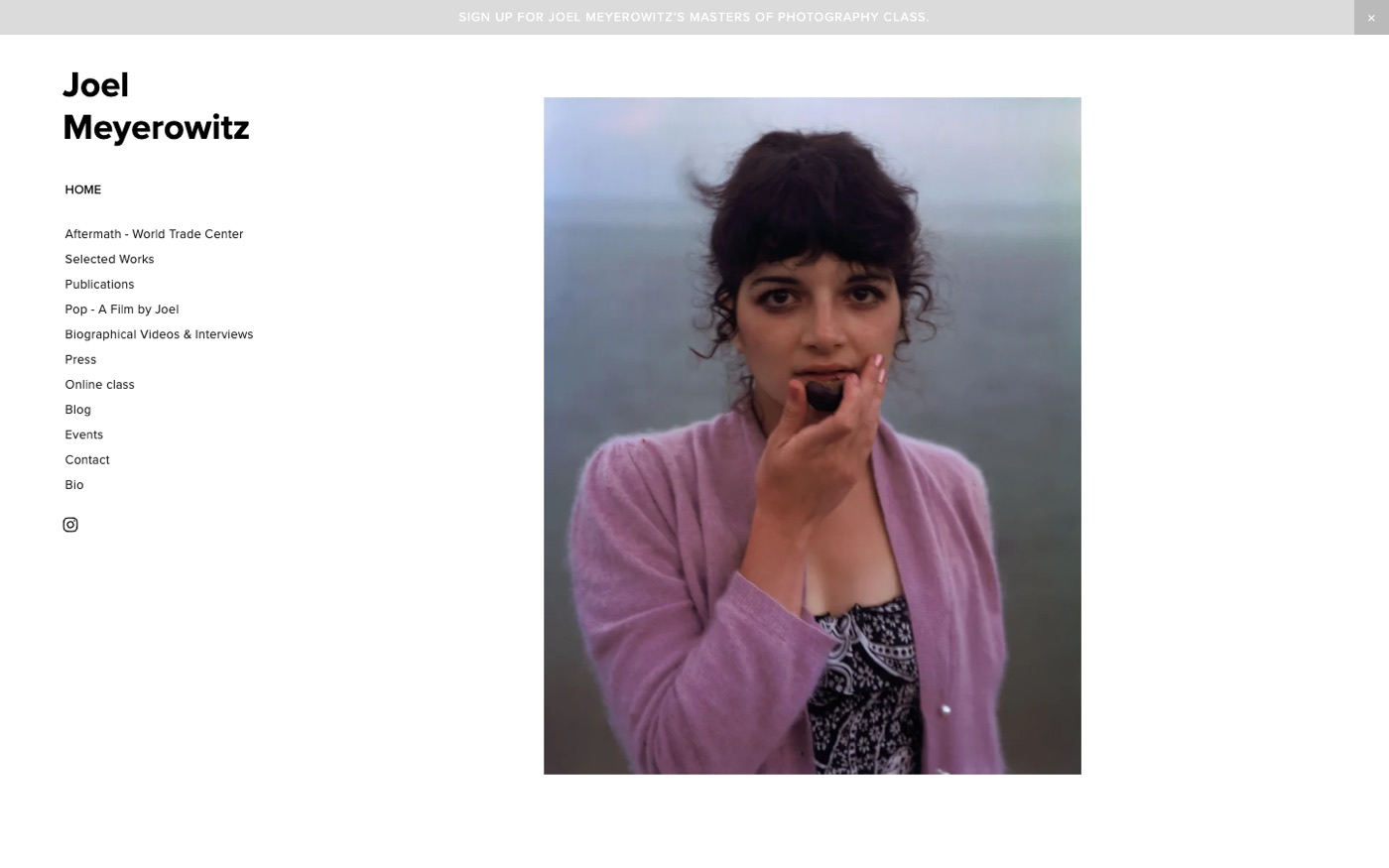
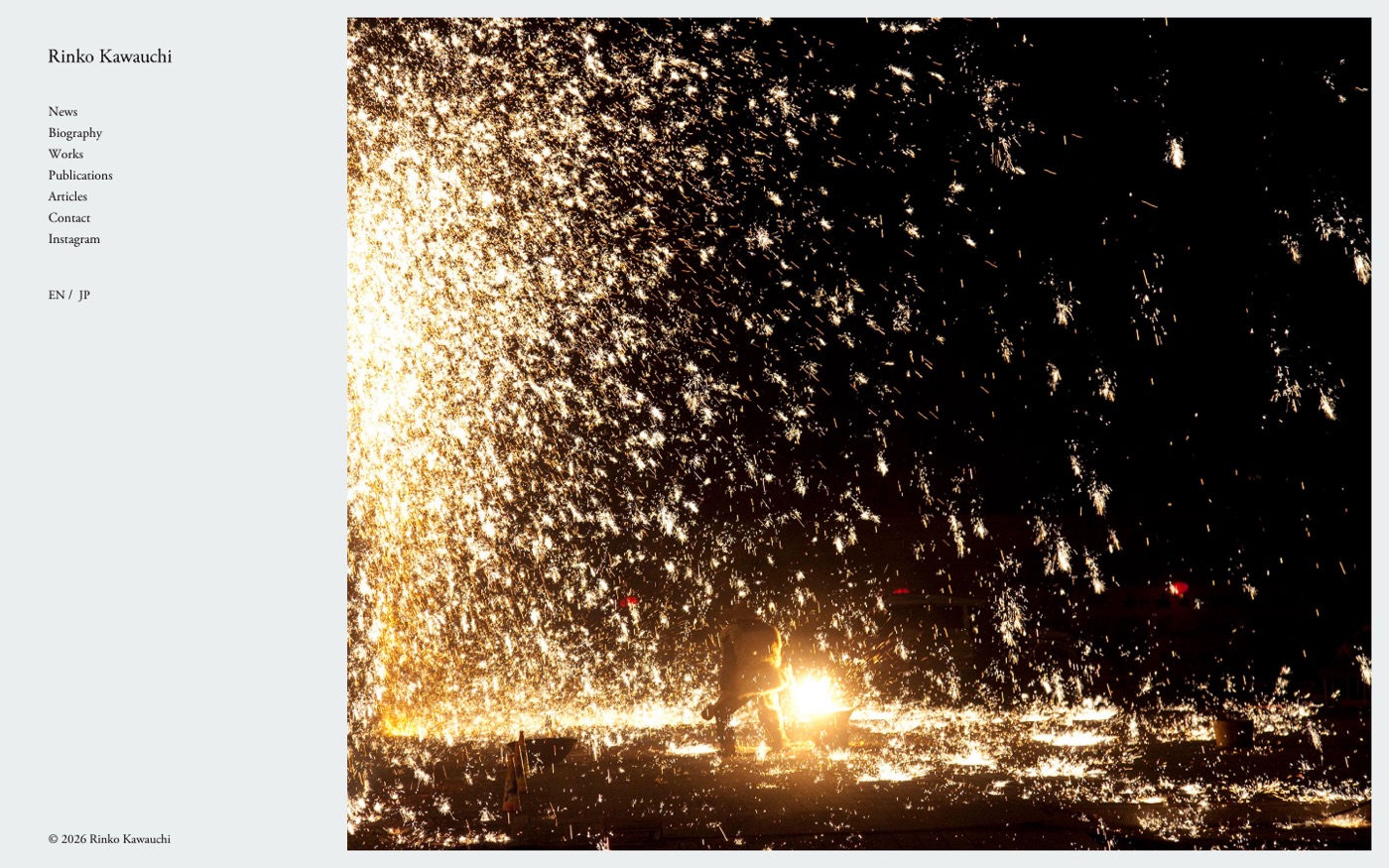
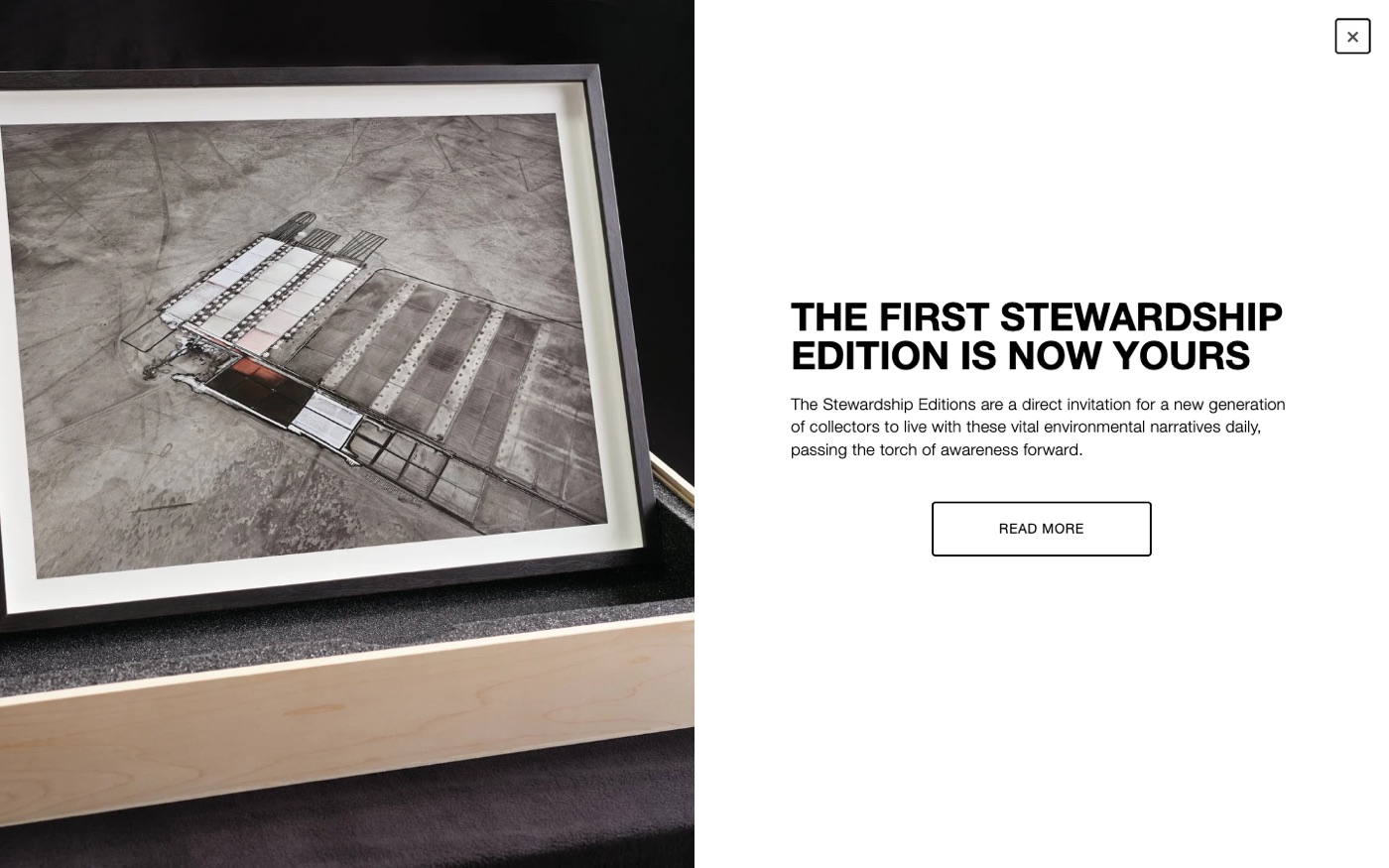
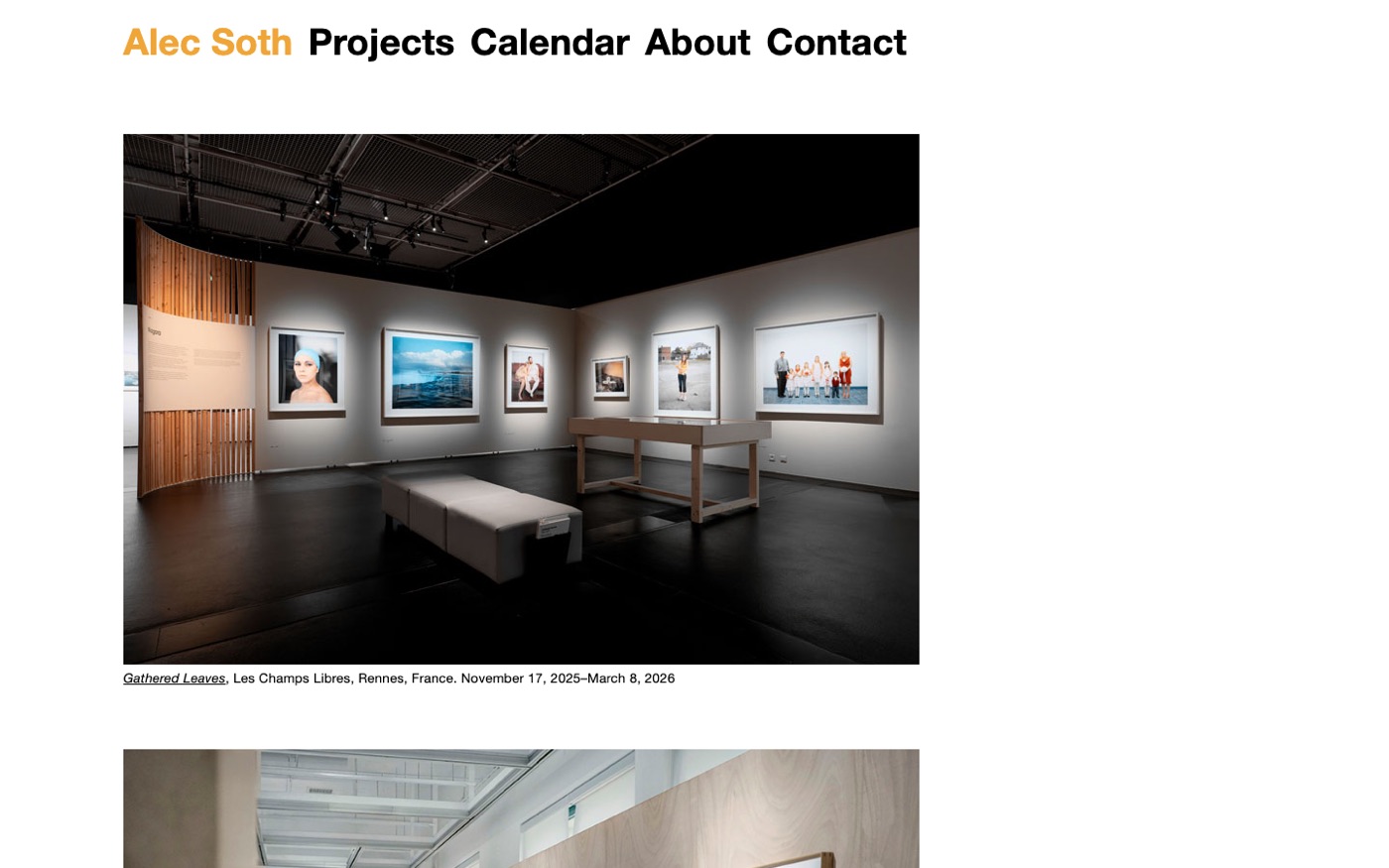
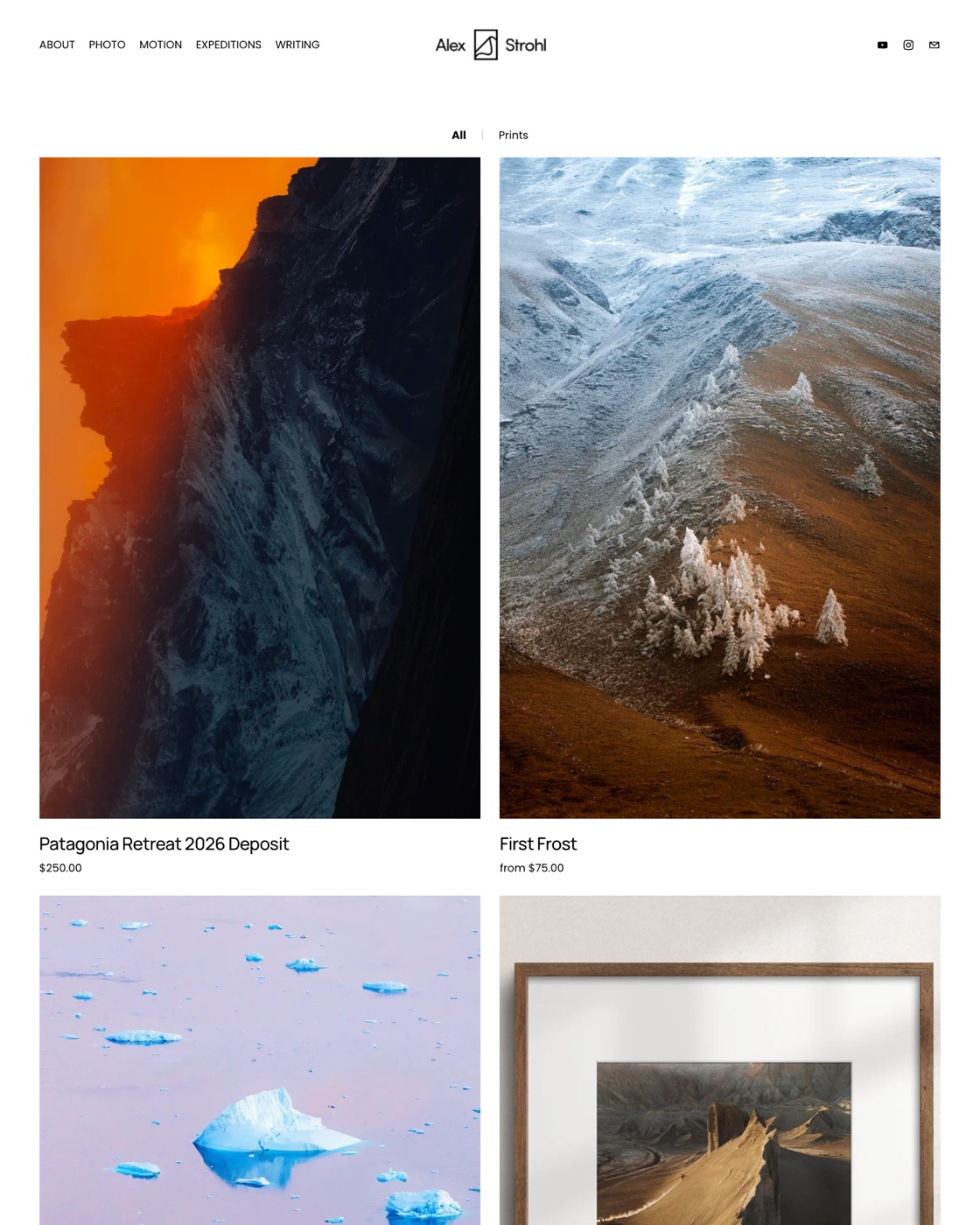
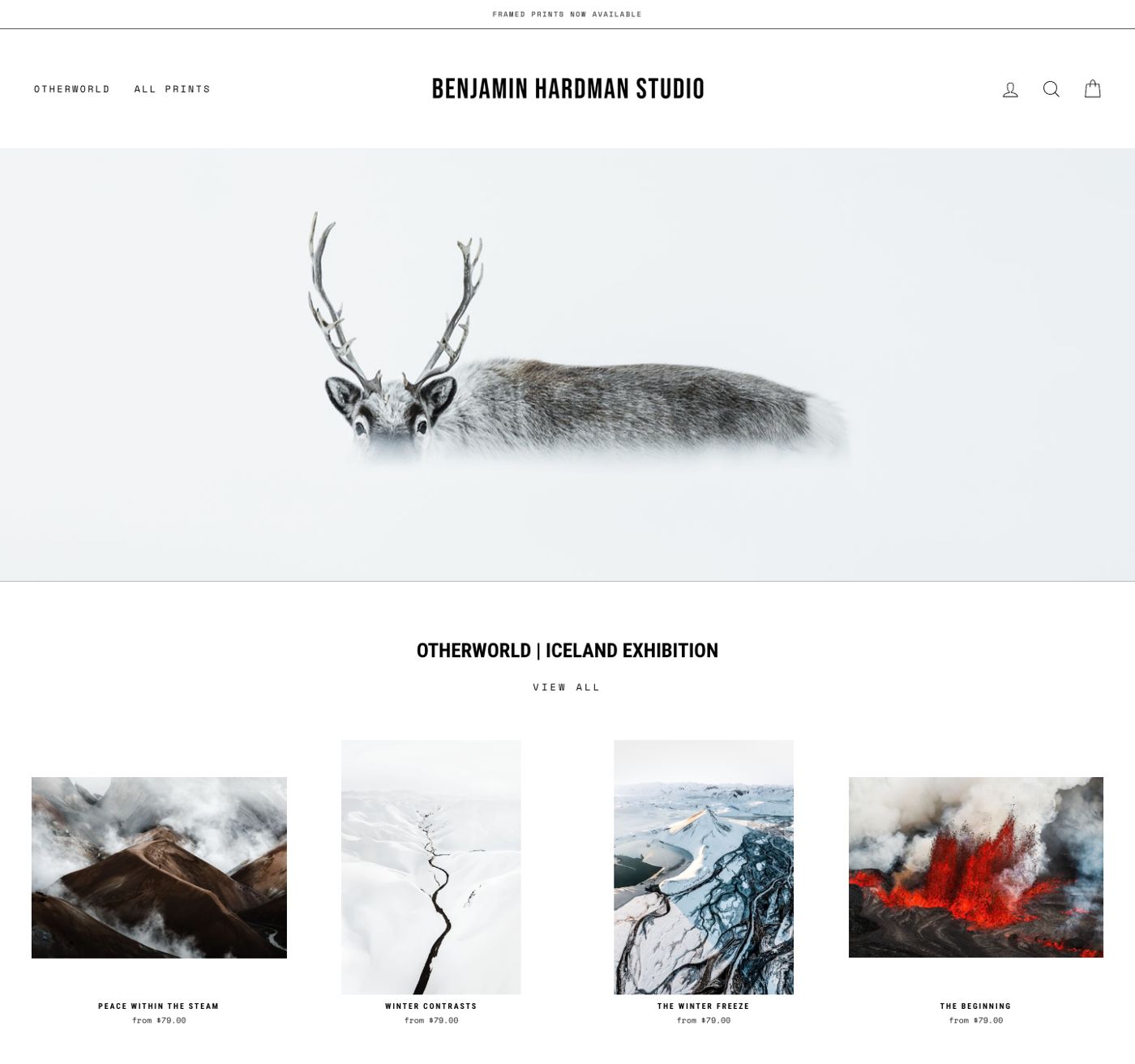
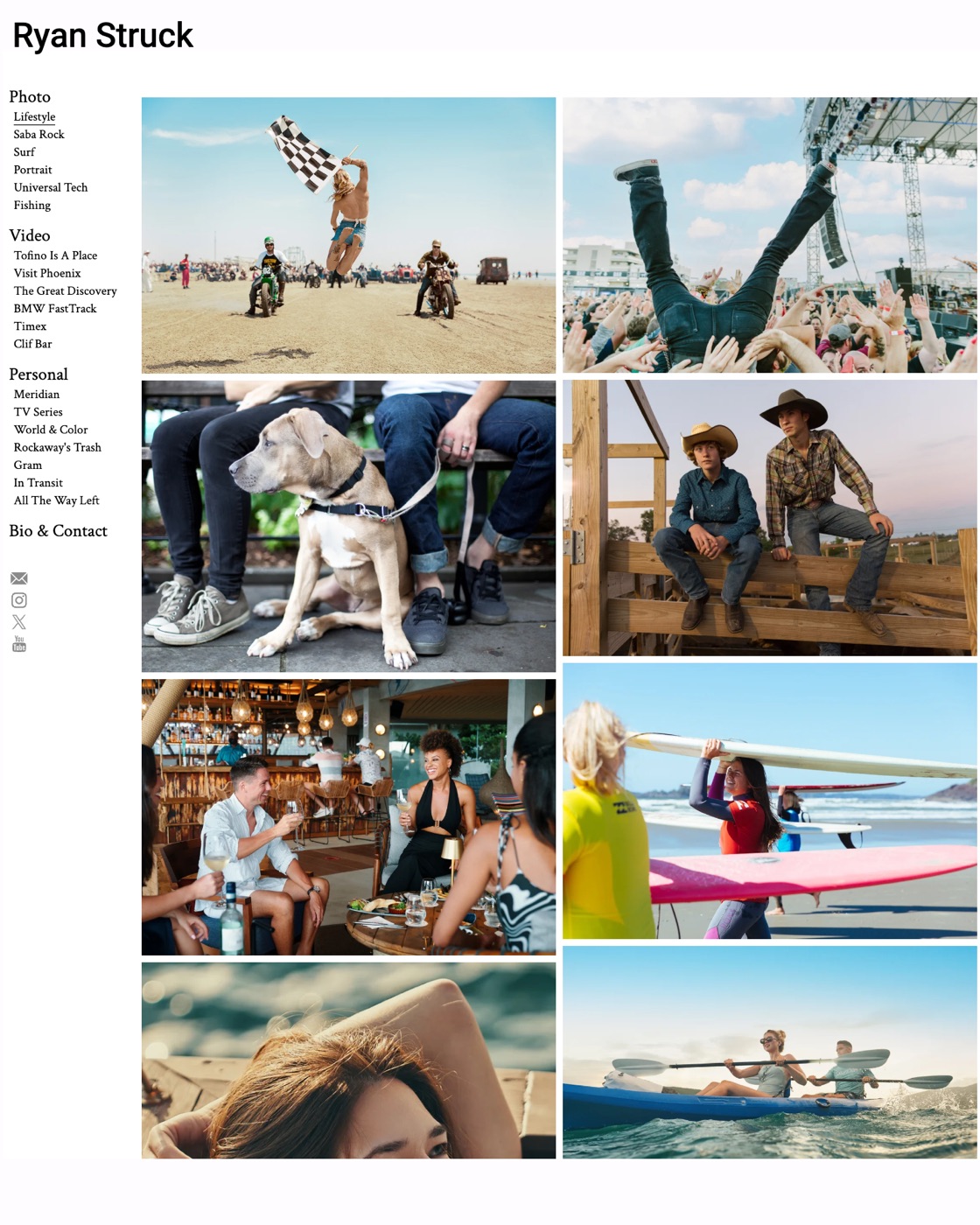
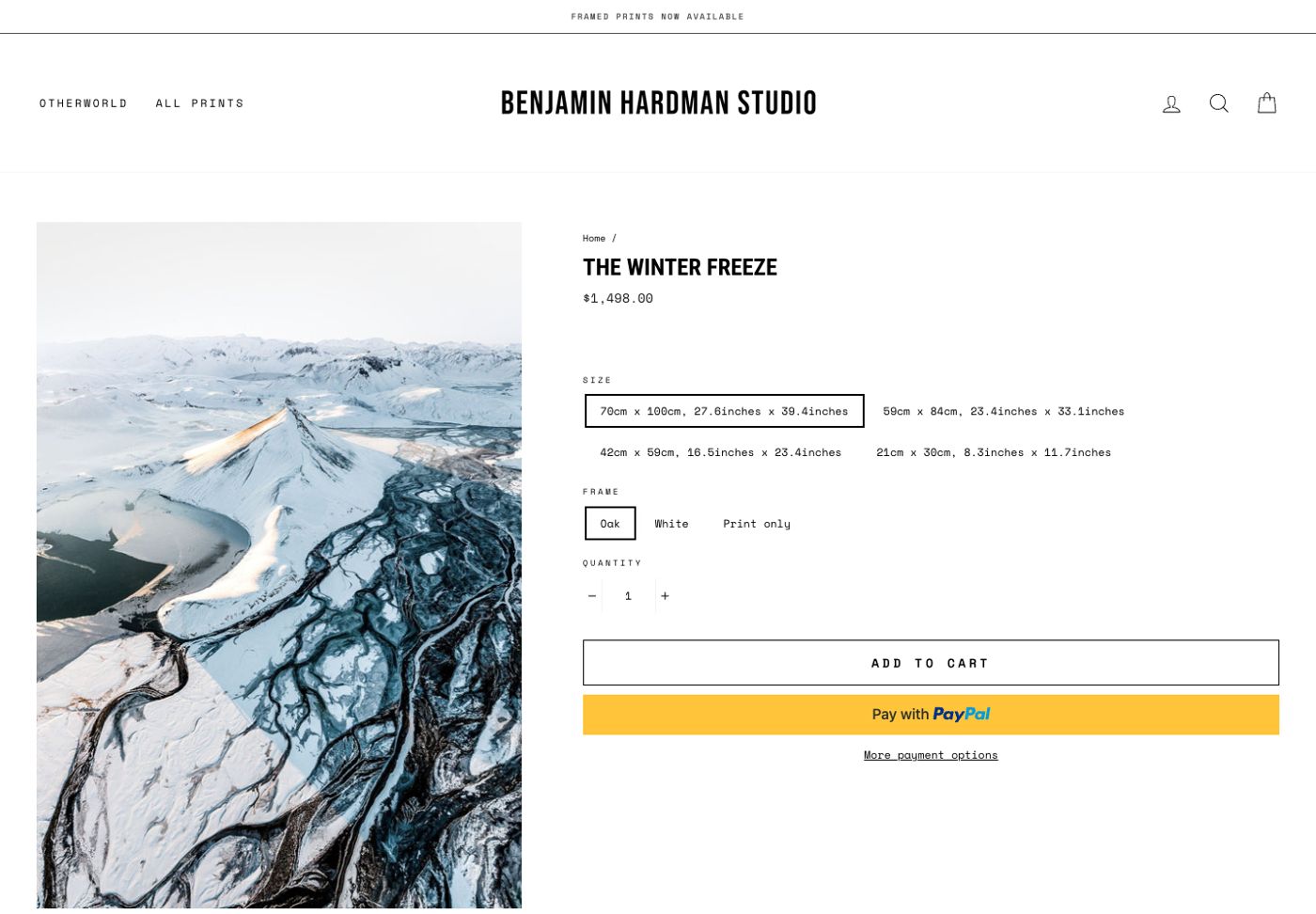
No single site has it. The look comes from several: one photograph at a time on white from Gursky and Meyerowitz, a white frame and simple menu from Hardman, a full screen opening from Ray Collins, galleries from Koreski and Strohl, and motion from Photoyoshi. These 3 were picked first.
White space
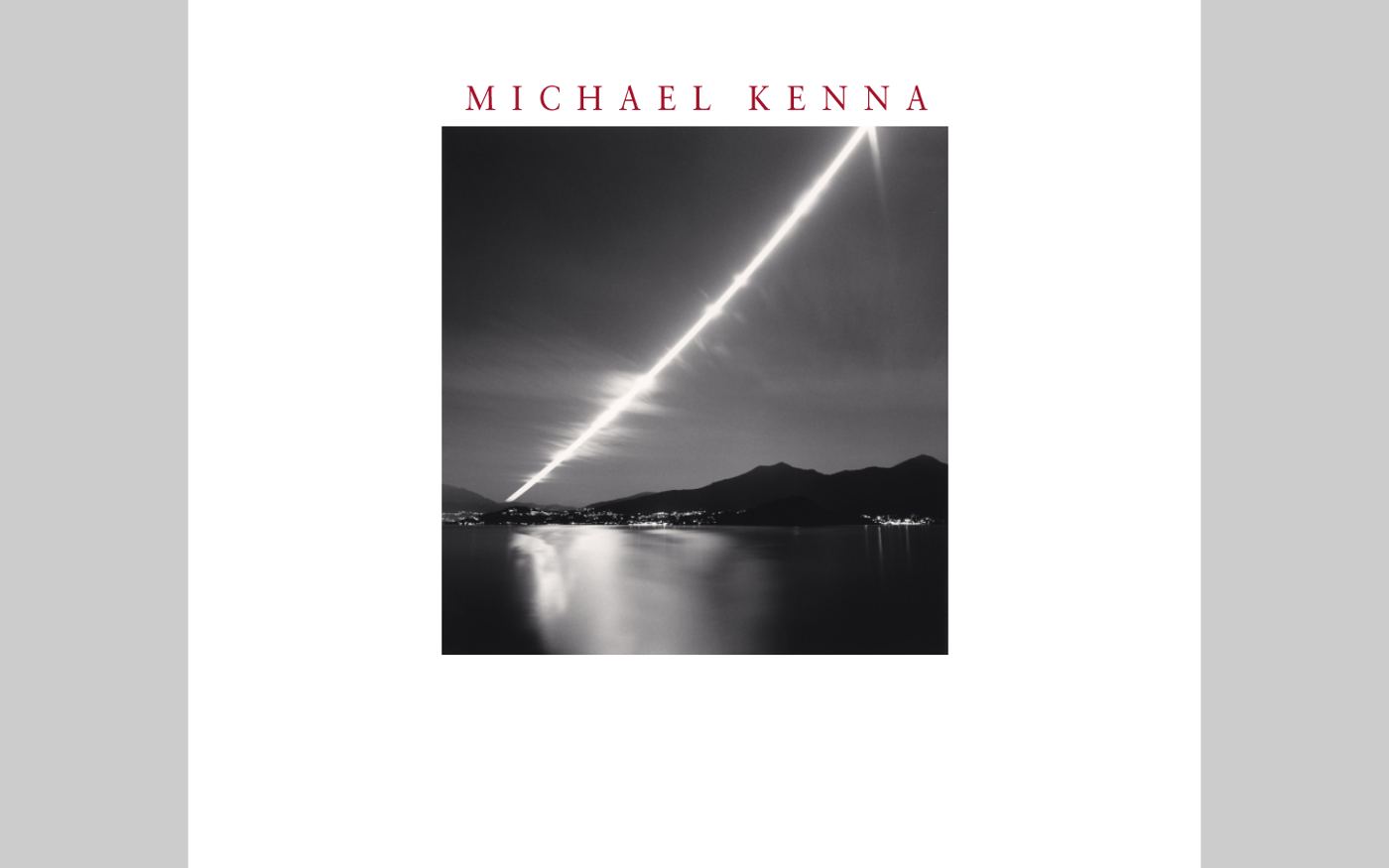
Established photographers whose sites are almost entirely white. One photograph at a time, a small menu, a small caption. The photograph is the only thing asking for attention.
Galleries
Most of these photographs will be landscape. Wide frames sit best in rows rather than tall columns: 2 to a row, or 1 across the page, with plenty of white between them. Every frame shown whole, never cropped to fit.
Motion
Motion is where the site comes alive, and it should feel calm rather than busy. Each clip shows one idea and runs for under 30 seconds.
Demo site clips from this video.
- OpeningThe name builds over the first photograph, then settles into the header.
- Coming into colourPhotos rest faded and come to full colour as you reach them.
- Click to growA wide photo grows from where it sits to the full width of the screen, with the details underneath. It shrinks back when closed.
- Browse by placePhotos follow the mouse and fade into each other. On a phone, tap a place to see its shots.
Details worth borrowing
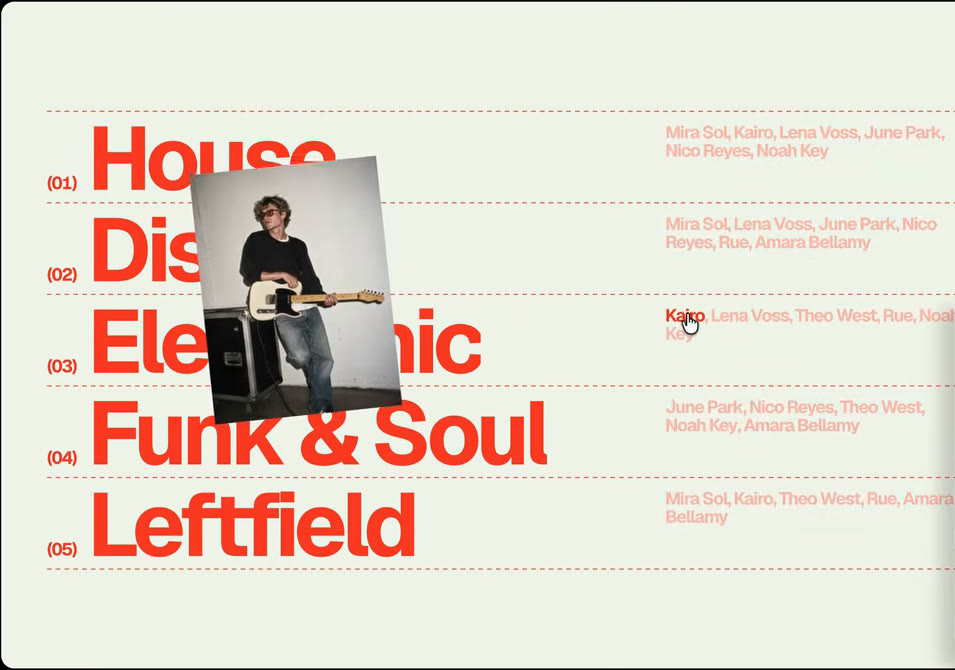
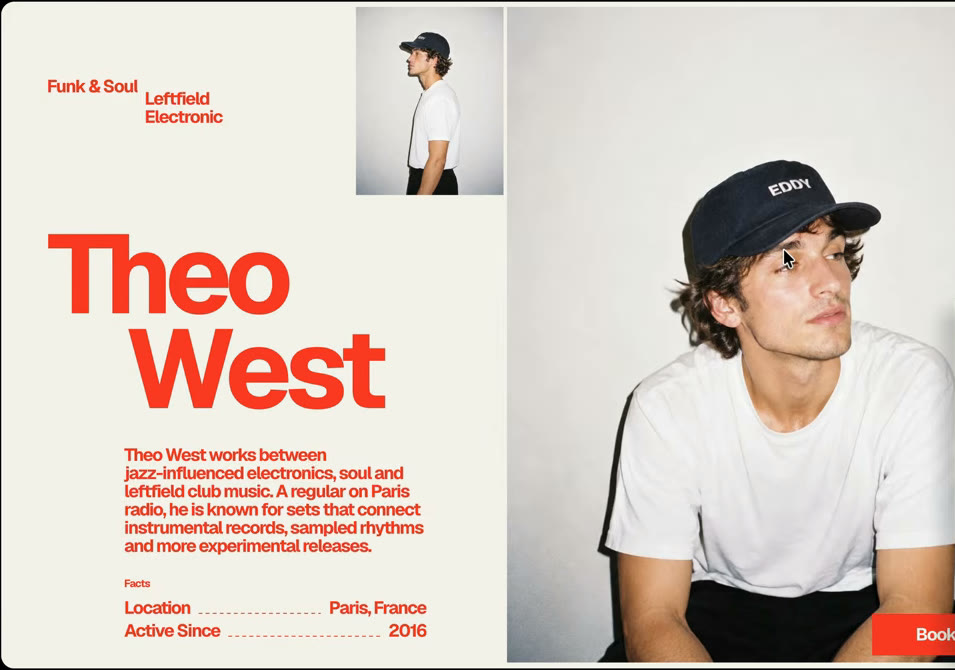
Type, lists and the photo page from the demo site. Its photos are portraits. Ours will mostly be landscape, so the photo page would run the picture across the top with the details beneath, rather than side by side.


The buying page
Once the photo has grown in, everything goes still. Size, price and the buy button are all that compete for attention.
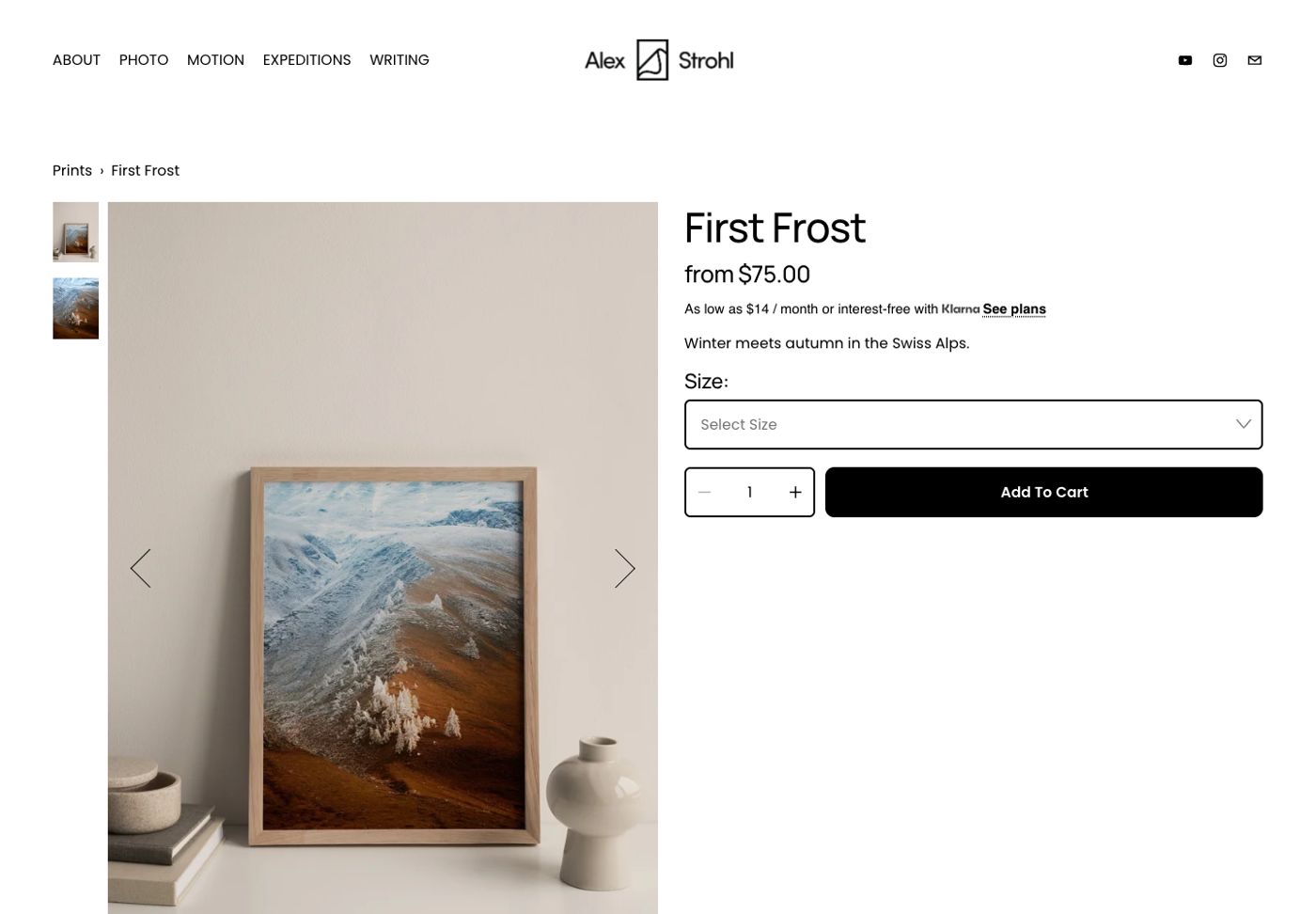
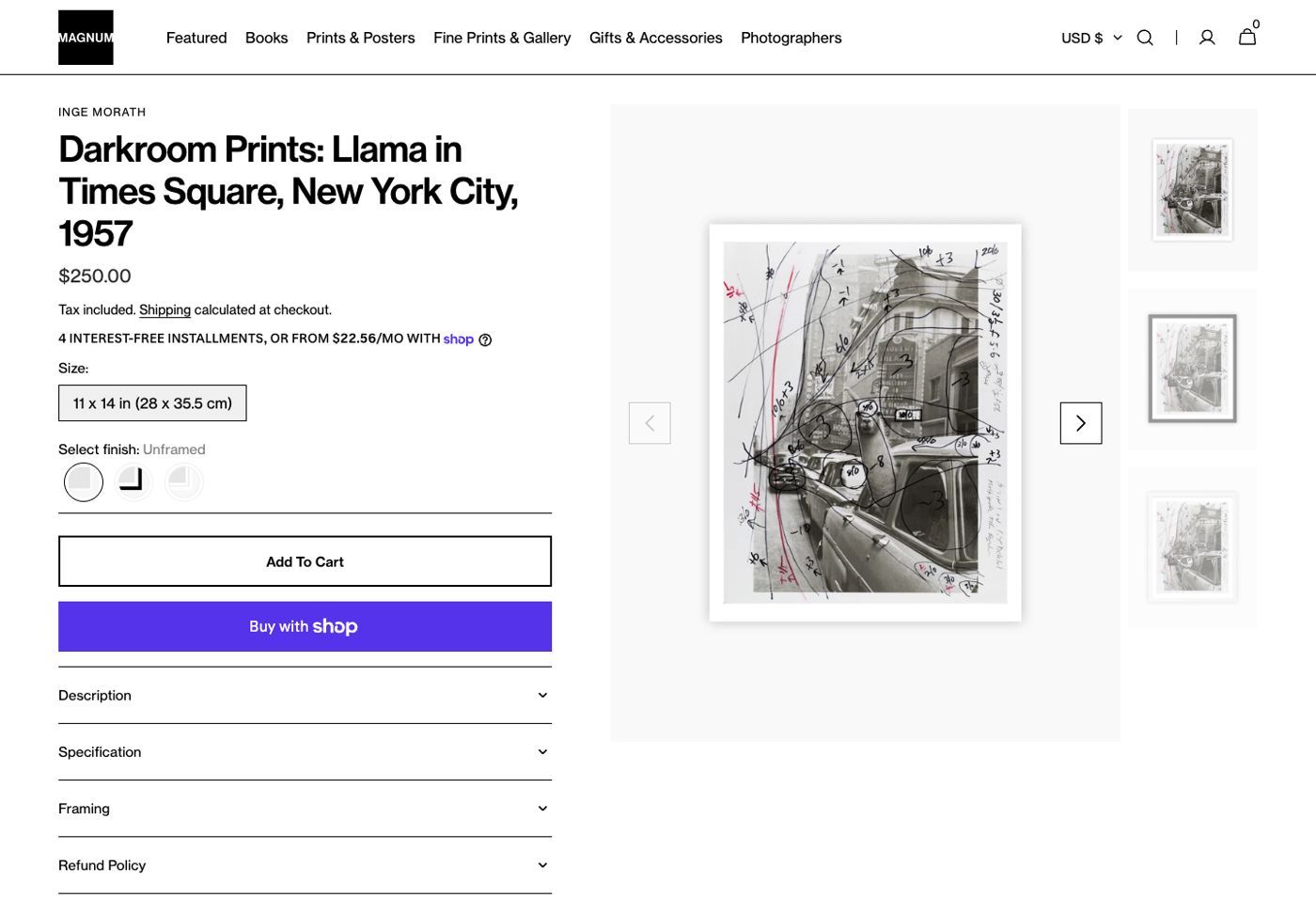
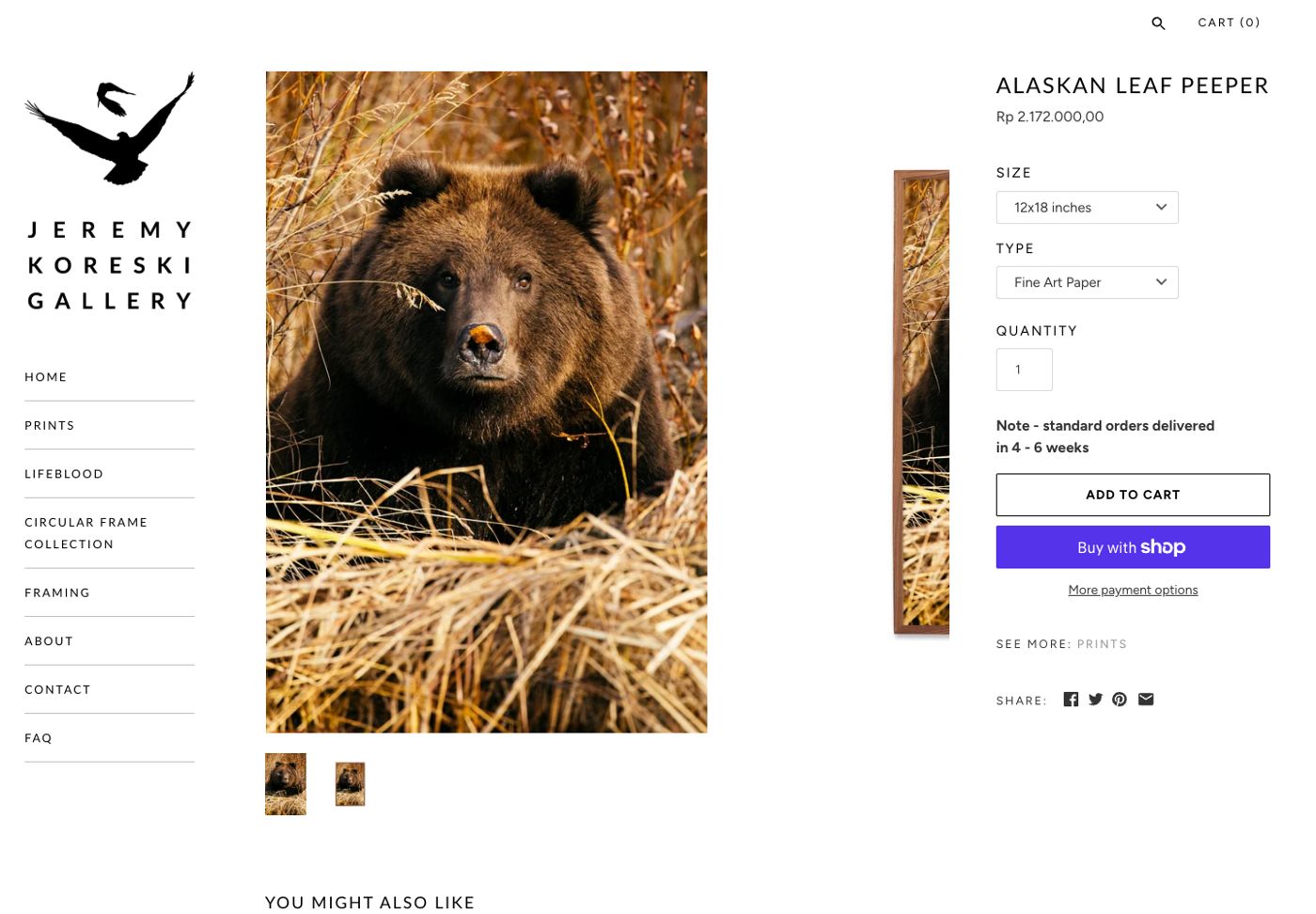
- Show it on a wallThe photo in a room, a close up of the paper, and the frame corner.
- Sizes as buttonsReal measurements in centimetres, with the price changing as you choose.
- EditionsSmall sizes open, large sizes numbered and signed, with how many are left.
- The storyWhere and when it was taken, in 2 or 3 lines.
Notes
The site has 2 jobs: show the photographs at their best, and sell prints.
Beautiful
- Large photos, with nothing crowding them.
- Landscape frames shown whole, never cropped.
- Fast, and as good on a phone as on a big screen.
- Calm motion while browsing.
Sells prints
- One click from any photo to buying it.
- Sizes, paper and price clear at a glance.
- See the print on a wall before buying.
- Numbered editions with a certificate for larger sizes.
- A short story with each shot.
Ideas to try
- Open on one photograph, full screen.
- Click a photo and it grows into its own page.
- Browse by place: Raglan, Piha, Gisborne.
- Everything goes still at the point of buying.